![ScrollTok [v1.0]](https://img.itch.zone/aW1nLzIzMjI0MjA1LnBuZw==/original/urOfpq.png)
ScrollTok [v1.0]
A downloadable game for Windows and Android
ScrollTok: Where every scroll has a price.
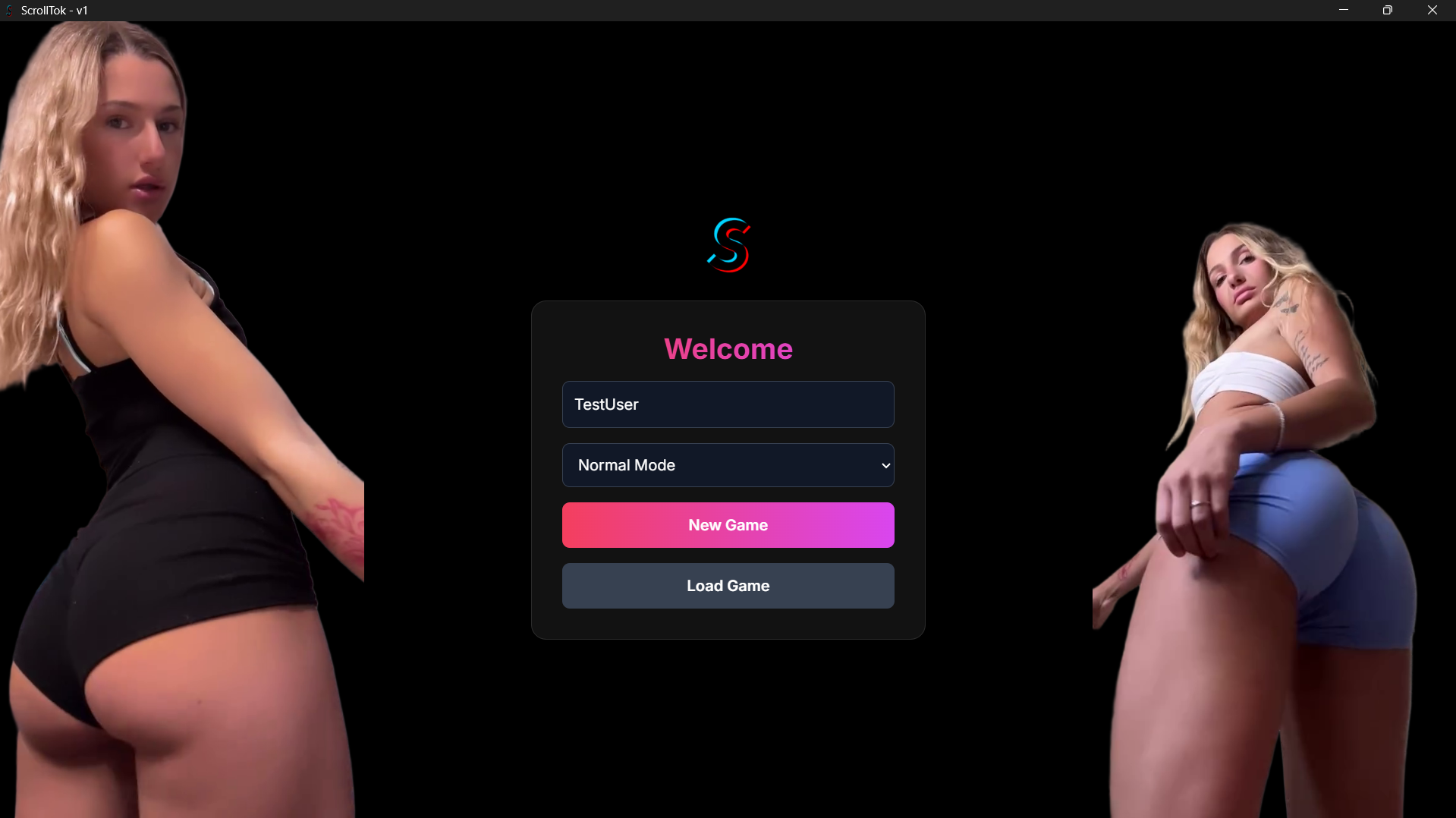
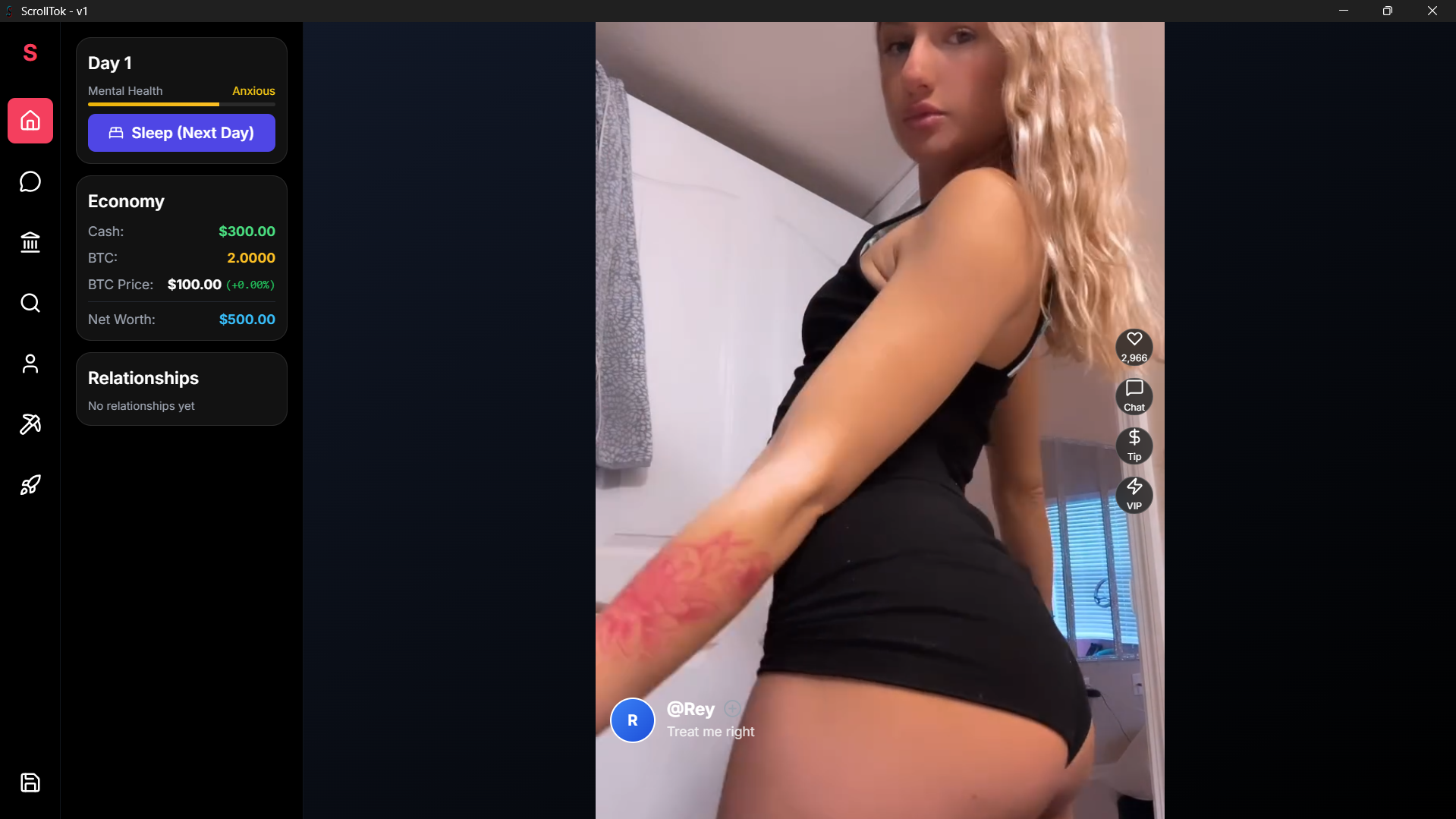
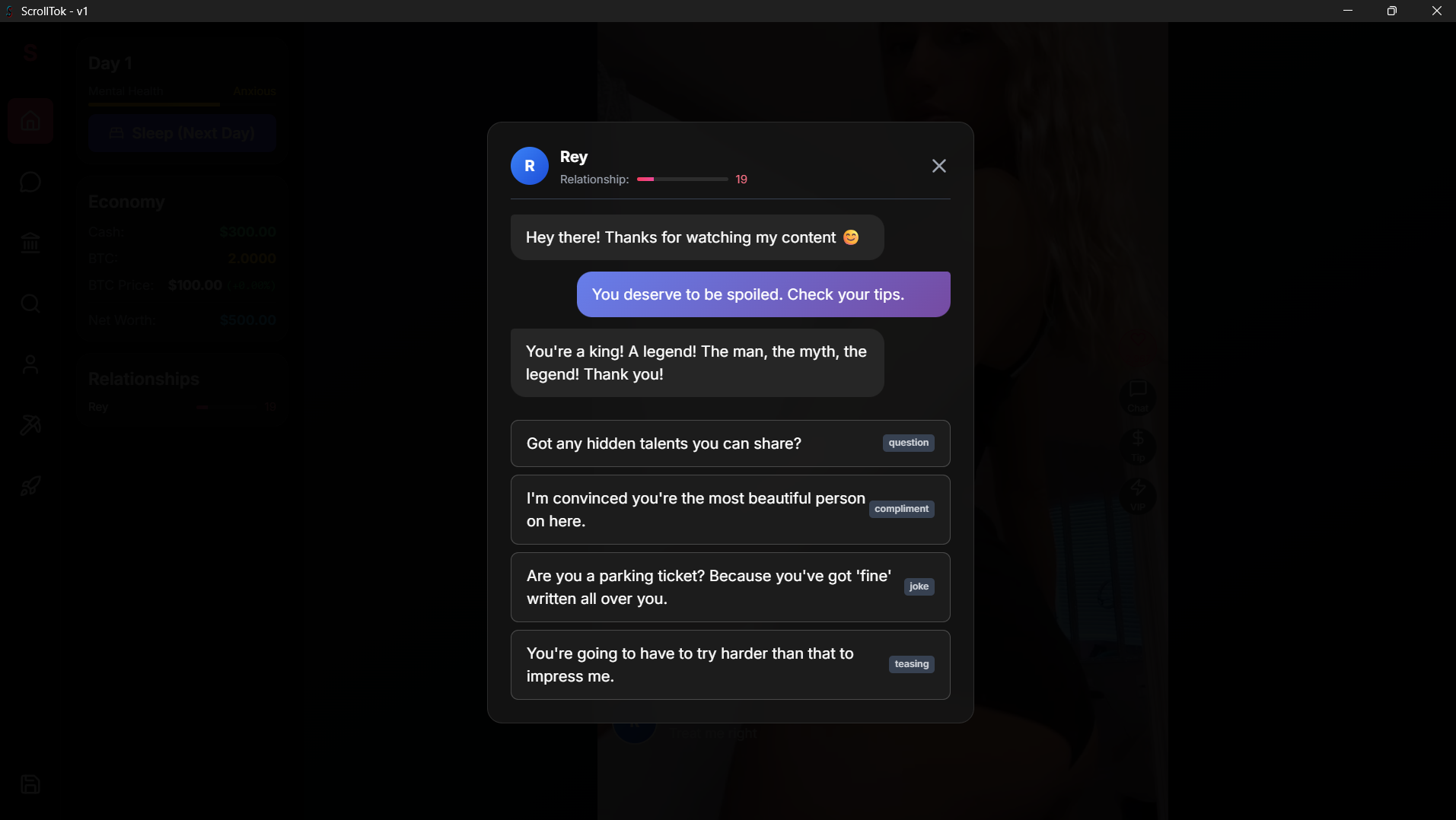
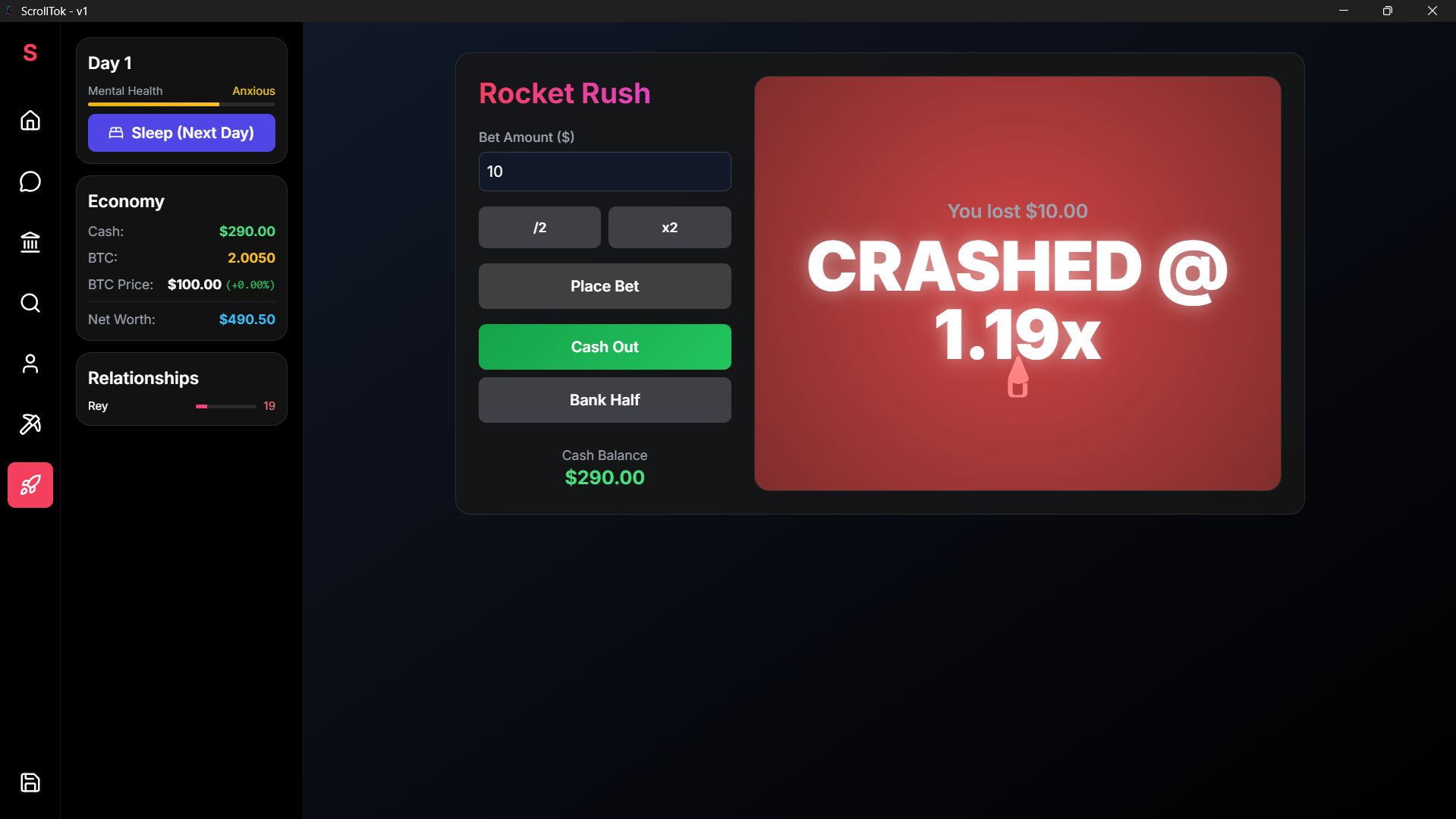
Welcome to ScrollTok, the most exclusive and addictive video feed on the web. Dive into an endless stream of captivating content from four unique creators, with new videos dropping into your 'For You' page every single day.
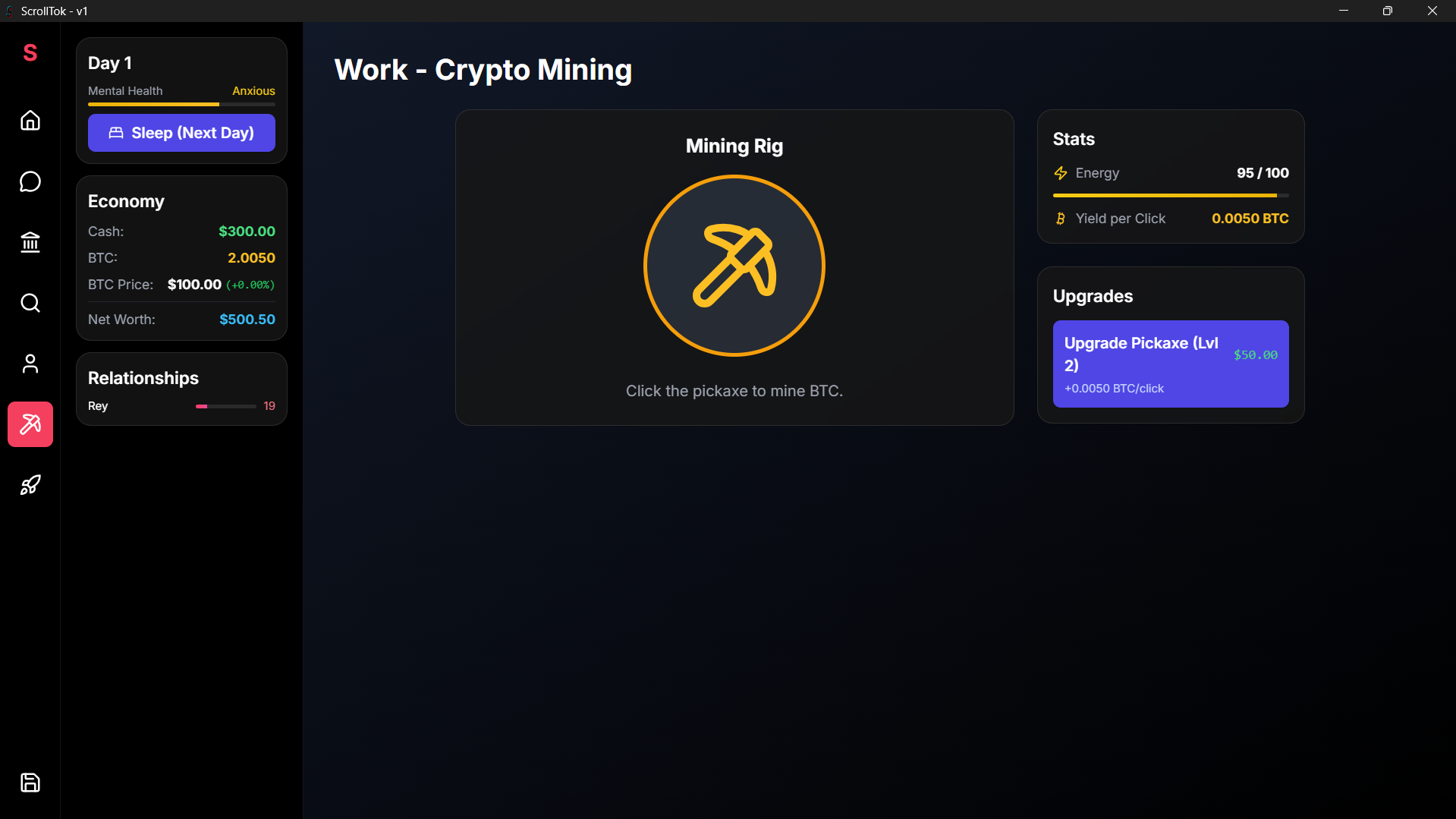
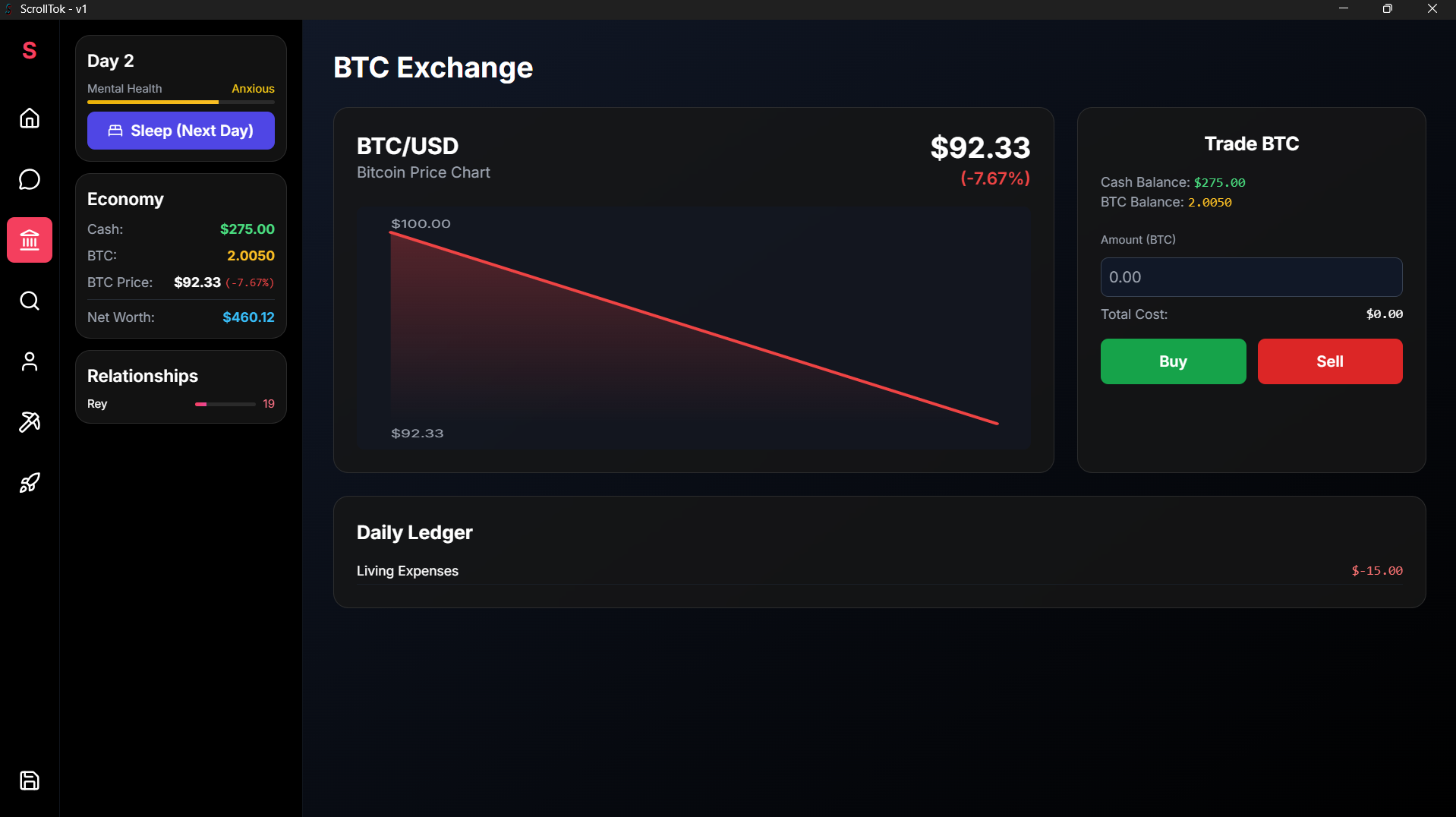
But this is more than just an app! It's a life simulation. You start with a daily stipend of BTC, but you'll have to manage it carefully. Pay for your daily rent, food, and even your ScrollTok subscription fee. Every choice matters.
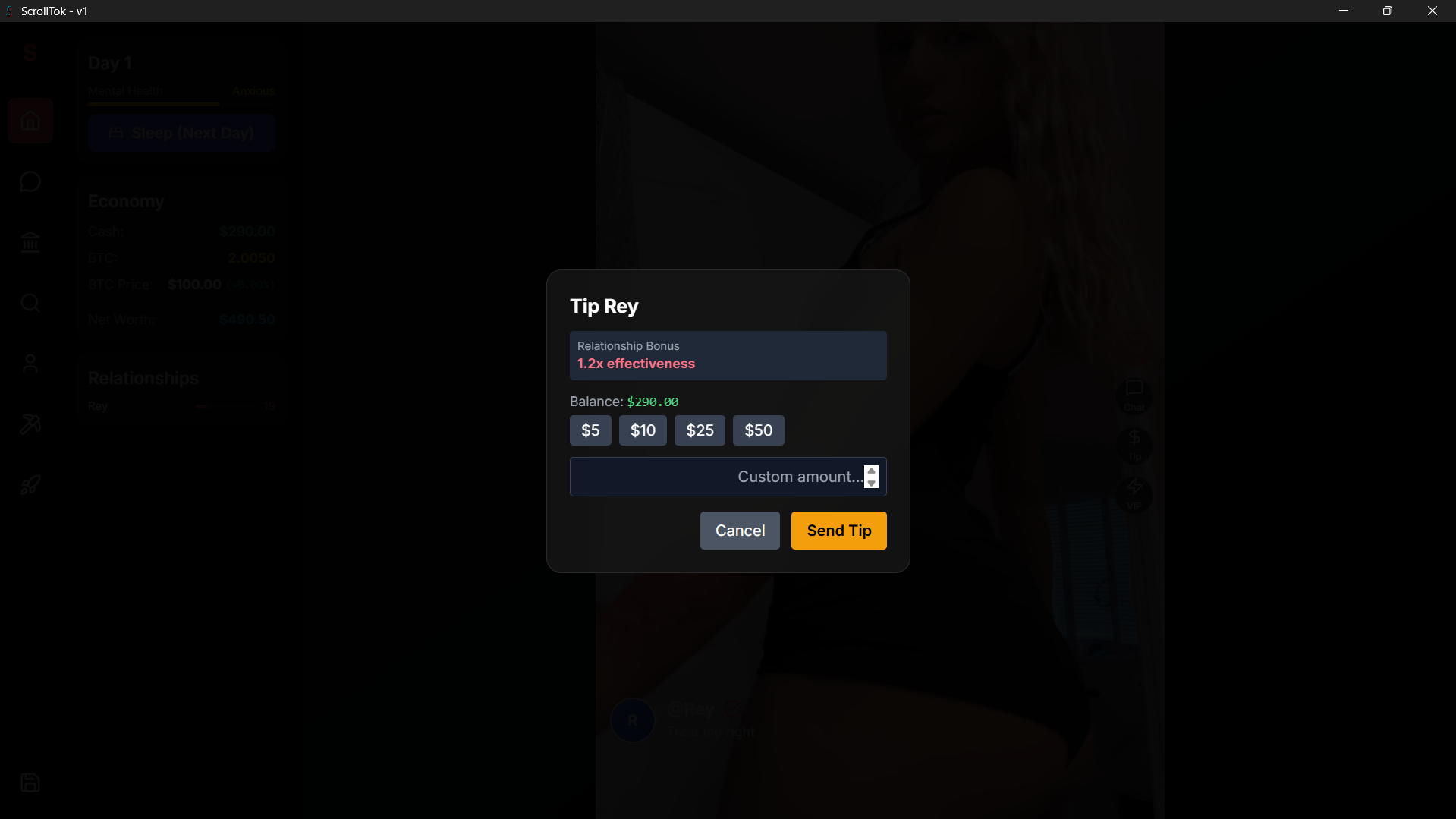
Will you spend your balance tipping your favorite creators and quick-unlocking their next video, or will you save your funds to ensure you don't go bankrupt? Your goal is to survive for 30 days to unlock every video and see what happens.
Welcome to ScrollTok v.1.0
Join me on Patreon to follow sequel updates!
Download
Install instructions
How to Install on Windows (.EXE)
- Find the Installer: Locate the
<strong class="upload_display_name">ScrollTok-1.0.0 Setup.exe</strong>file you downloaded. It's most likely in your Downloads folder. - Run the Installer: Double-click the
<strong class="upload_display_name">ScrollTok-1.0.0 Setup.exe</strong>file to begin. - Bypass Windows Security: You will likely see a blue pop-up screen from "Windows SmartScreen" that says "Windows protected your PC".
- This is normal for new applications. First, click on the More info link.
- A new button will appear. Click the Run anyway button to proceed.
- Installation: The installer will run automatically. Once it's finished, the game will be installed on your computer.
- Play the Game: A shortcut for "ScrollTok" will be created on your Desktop and in your Start Menu. Double-click the shortcut to launch the game!
How to Install on Android (.APK)
- Get the File on Your Phone: First, you need to transfer the
ScrollTok.apkfile to your Android device. You can do this by:- Emailing the file to yourself and opening it from your phone's email app.
- Uploading it to Google Drive and downloading it on your phone.
- Connecting your phone to your computer with a USB cable and copying the file over.
- Allow "Unknown Apps": By default, Android blocks installations from outside the Google Play Store for security.
- Find and tap the
ScrollTok.apkfile on your phone (usually in your "Files" or "Downloads" app). - A security pop-up will appear saying you can't install unknown apps. Tap the Settings button on this pop-up.
- You will be taken to a new screen. Find the option that says "Allow from this source" or "Install unknown apps" and turn it ON for your browser or file manager.
- Find and tap the
- Install the App: Tap the back button to return to the installation screen. If it doesn't reappear, just tap the
ScrollTok.apkfile again. - Confirm Installation: A new screen will ask if you want to install the application. Tap Install.
- Play the Game: Once the installation is complete, you can find the "ScrollTok" app on your home screen or in your app drawer. Tap the icon to play!
Development log
- ScrollTok v0.2 — Official ReleaseSep 19, 2025